
How to Prepare a Trivia Quiz That Engages: The Ultimate Guide 🧠
Trivia quizzes are more than just a fun activity, they’re a powerful tool for learning, engagement, and team-building. From classrooms and corporate workshops to online events and social gatherings, a well-crafted trivia quiz can capture attention, spark curiosity, and leave participants talking long after the game ends. In this comprehensive guide, we’ll walk you through everything you need to know to create a trivia quiz that is entertaining, educational, and highly engaging. Plus, we’ll provide examples, templates, and tips to ensure your quiz is unforgettable.
SYED ZAMIR
12/16/20252 min read

1️⃣ Define the Goal of Your Trivia Quiz
Every successful quiz starts with a clear purpose. Ask yourself:
Is this quiz meant for fun at a social event?
Is it designed to reinforce learning in an educational setting?
Do you want it to build teamwork and collaboration in a corporate environment?
Your goal will guide your question types, difficulty, and format. For instance, a team-building quiz may include collaborative problem-solving rounds, while a classroom quiz may focus on knowledge retention.
Pro Tip: Write down your goal in a single sentence—it will keep the quiz focused and aligned with your audience’s expectations.
2️⃣ Understand Your Audience
Knowing your audience is critical to engagement. Consider:
Age group: Kids, teens, adults, or professionals.
Knowledge level: Beginner, intermediate, or expert.
Interests and hobbies: Pop culture, science, history, sports, or a mix.
Tailoring your quiz ensures higher participation and better feedback. For example, a tech-savvy audience will enjoy questions about AI, startups, or gaming, while a general audience may prefer geography, history, or movies.
3️⃣ Mix Question Types for Maximum Engagement
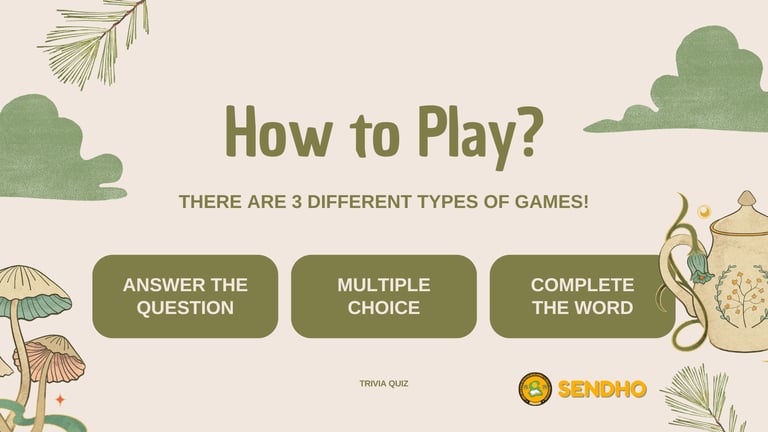
Variety is key. A mix of question types keeps your quiz dynamic and interesting:
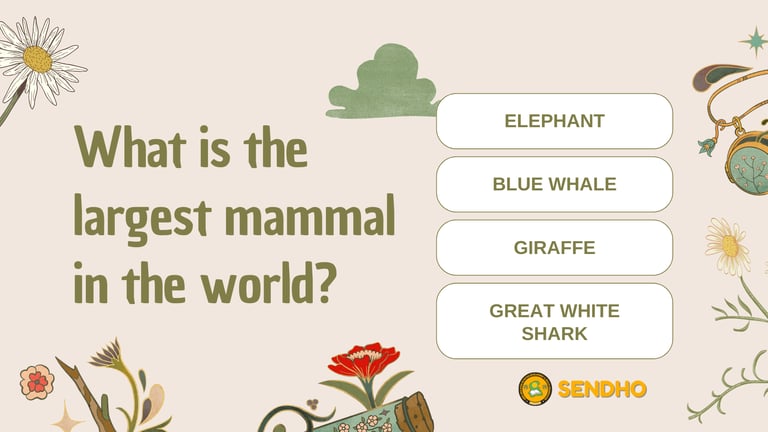
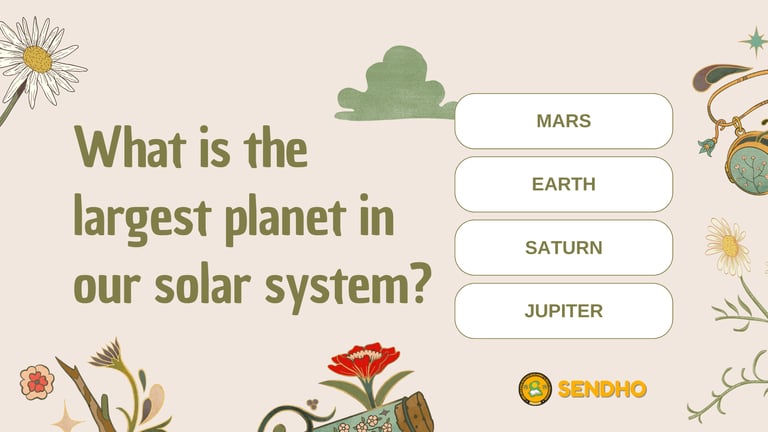
Multiple Choice Questions (MCQs): Easy to answer and grade. Ideal for online quizzes.
True/False Questions: Quick, simple, and perfect for fast rounds.
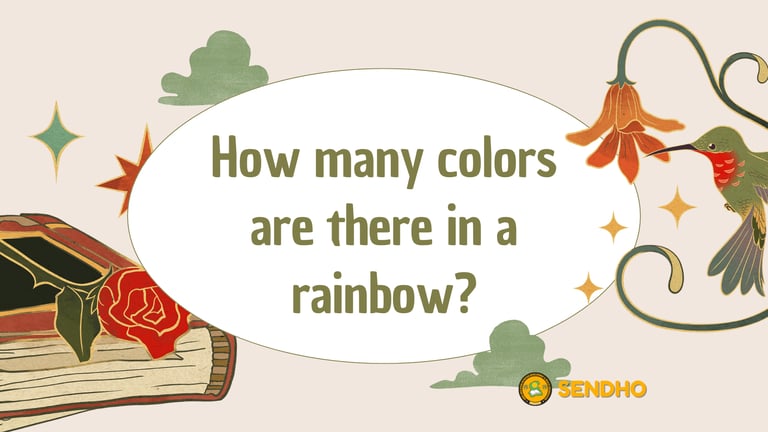
Open-ended Questions: Encourage critical thinking and discussion.
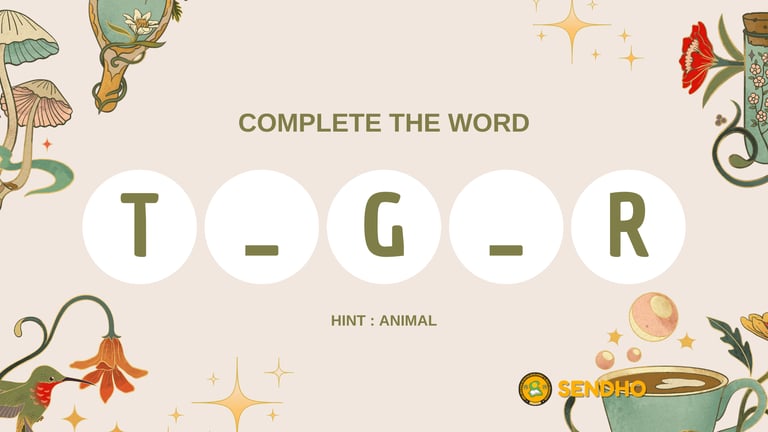
Visual Questions: Include images, charts, or diagrams.
Audio Questions: Short audio clips or songs can add a fun layer.
Scenario-based Questions: Great for team-building or professional quizzes.
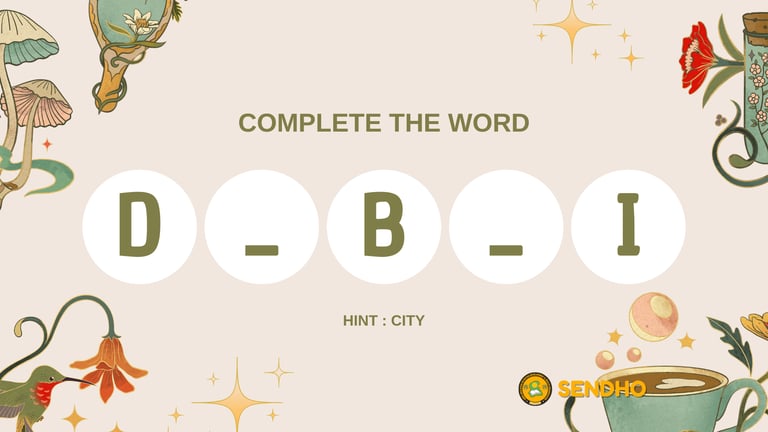
Example: Instead of just asking “What is the capital of France?”, you can show a map image and ask participants to click or name the city. Visuals increase engagement and retention.
4️⃣ Balance Difficulty and Fun
An engaging quiz keeps participants on their toes without frustrating them:
Include a few easy questions for confidence and momentum.
Mix in moderate difficulty questions to encourage critical thinking.
Add challenging or trick questions for excitement and debate.
Tip: Avoid overloading with extremely hard questions—they can discourage participants.
5️⃣ Fact-Check Every Question
Credibility is essential. Incorrect information can ruin trust and engagement:
Use reliable sources: academic papers, official websites, encyclopedias.
Avoid common myths (e.g., “The Great Wall of China is visible from space” is false).
Include references for educational quizzes to enhance authority.
SEO Tip: Fact-checked content not only builds trust but also improves your search engine ranking for educational keywords.
6️⃣ Use the Right Tools to Create Your Quiz
Online tools make quiz creation simple, interactive, and visually appealing:
Kahoot!: Gamified quizzes with live leaderboards.
Quizizz: Self-paced quizzes ideal for classrooms or online learning.
Mentimeter: Real-time polling and interactive questions for events.
Google Forms: Simple, customizable, and easy to share.
Typeform: Stylish, user-friendly quizzes with engaging flows.
Pro Tip: Test different tools to see which best suits your audience size, interactivity, and design preferences.
7️⃣ Design a Theme or Add Visual Appeal
Quizzes with a theme or visual enhancements increase engagement:
Choose a theme: Movie trivia, history, science, geography, or mixed categories.
Add images, GIFs, videos, or charts to illustrate questions.
Colorful slides, creative fonts, and structured layouts make your quiz memorable.
Example: A Harry Potter-themed quiz can include house points, themed images, and magical sound effects to immerse participants.
8️⃣ Test, Iterate, and Improve
Before launching, test your quiz to ensure smooth pacing and engagement:
Run a pilot quiz with a small group.
Check for pacing: Are participants too slow or too fast?
Adjust question difficulty and timing.
Gather feedback and refine content.
Pro Tip: Iteration is key, no quiz is perfect on the first attempt. Continuous improvement increases retention and satisfaction.

Connect
contact us
Subscribe to our newsletter
Email: info@sendho.org
Ph: +92-300-8917661
© 2025, SENDHO. All rights reserved | Developed by Hasnain eCommerce Solution
Address: Bukhari colony street 1 near taxi stand kotbanglo, Sindh, Pakistan